Easiest Ways to Back Up Your Important Data

Data backup is crucial to minimise the risk of losing your important data. It will help you retain personal or official information in an unfortunate event, such as fire, theft or hard drive failure. Hence, you must always have a backup of your data at all times.
Backing up your files is not a difficult task. The only problem is where you start from since there are a lot of ways to do it. But you don’t need to worry because, by the end of this article, you will have all the information on how to easily back up your important data.
Importance of Having Multiple BackUps 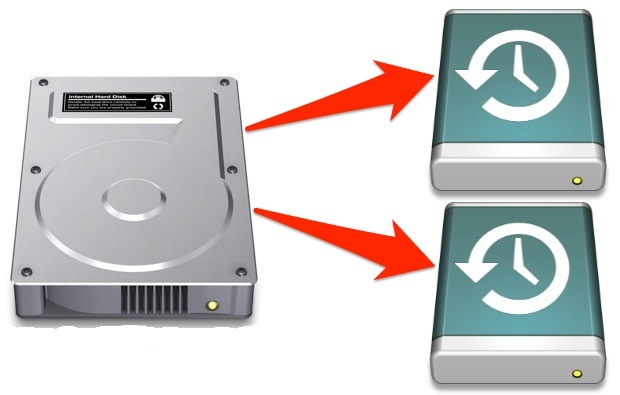
File backup is important but it is also essential to realise that relying solely on one backup is not the way to go. You have to have multiple back-ups for your files because it is the best method to ensure the safety of your important documents, pictures and other kinds of data.
Make sure that you store copies of your files on your computer and use the methods listed below as well. In short, the more back-ups you have, the better.
Below are the methods listed in which you can back up your data.
Method 1: External Hard Drive
The external hard drive is exactly like the one on your computer where you can store all kinds of files. These external hard disk drives are portable and easy to carry.
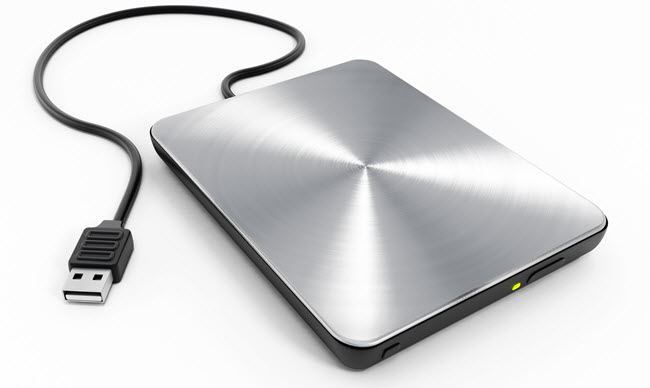
The external drives connect to your computer via USB cable, to provide you with extra storage options. You can easily drag and drop your files or just simply copy them into your external drive. Once you have backed up your important data in the external drive, they are safely backed up and you get full protection in case your computer gets stolen or breaks down.
Method 2: USB Drive
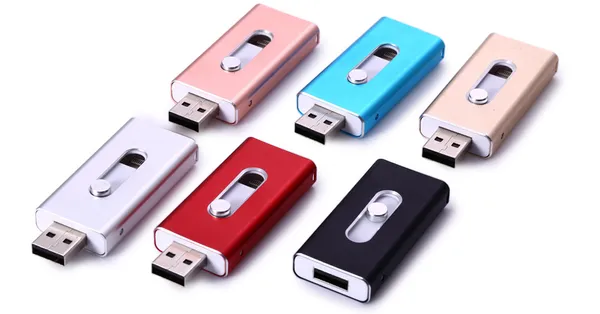 USB drives (also called flash drives) are tiny and highly portable devices. They come in a variety of designs and can be carried easily with you attached with a keychain. This method of backing up your data is very similar to the first one but uses flash memory, a storage chip that can be erased and reused.
The process of backing up is similar to the first method. Flash drives connect to your computer via a USB port and you can conveniently copy your files into the drive. This is another way you can safely back up your important files.
Potential Drawbacks
While these two methods are the easiest to back up your files, they have their limitations as well. External hard drives can fail anytime for various reasons. USB drives have a finite number of write cycles so they may not work after a certain time. Hence, you might want to back up your files regularly and use data destruction methods when disposing of the equipment.
Secure Data Destruction & Hard Drive Shredding
Keeping these potential drawbacks in mind, Computer IT Disposals offer secure data destruction to its customers. Failure of your backup devices doesn’t mean that your data is completely irretrievable. All your sensitive and private data must be wiped off from these data storing devices.
Also, if you are looking to replace your old hard disk drives with your new ones, you must destroy the data on your old hard drives. Otherwise, you might be at risk of getting your data into the wrong hands.
Maintaining your privacy is our top priority. Thus, CITD not only offers secure data destruction but also provides hard drive shredding. Shredding is benefical when your device is of no use to you anymore and you want to get rid of it without compromising your data.
So, if you want to secure your data, avail our data destruction and shredding services by booking your equipment on the CITD website.
Booking Form
Free collection available for qualifying items · certificates within 5 working days · 100% diverted from landfill.