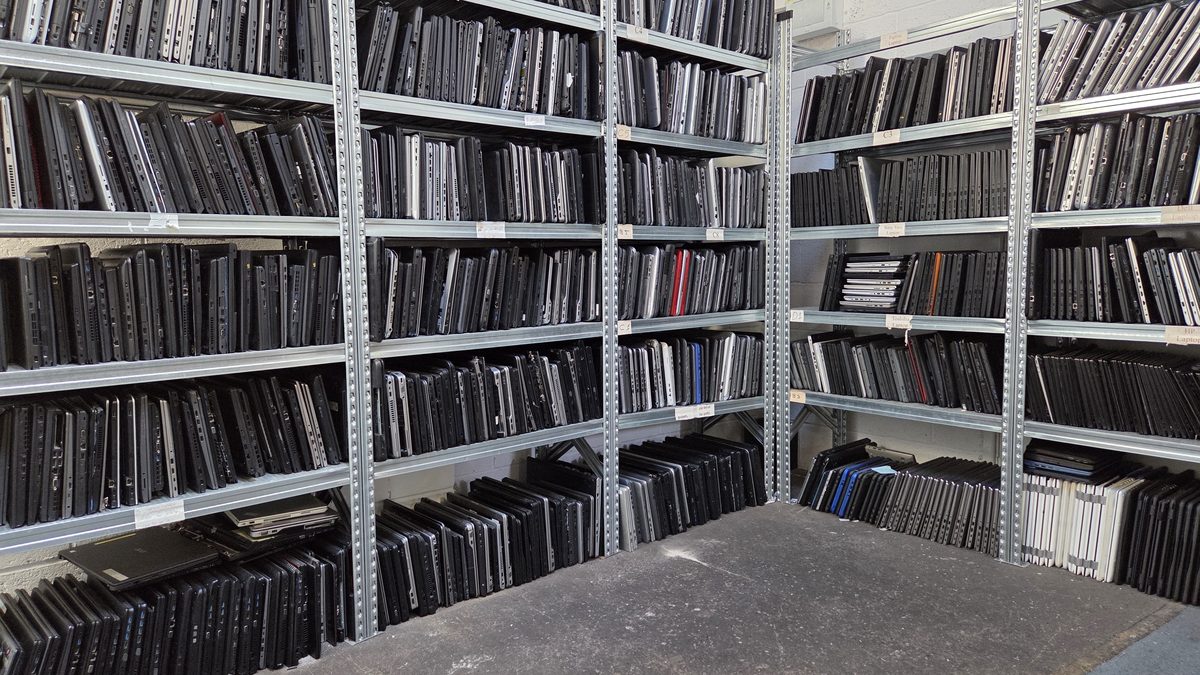
Replacing an old tech gadget with a new one feels great. No matter if you replace an old smartphone with the latest model or an old laptop with a new one.
Individuals may just want to stay relevant, but businesses could be left behind their competitors if they do not upgrade their devices. Competitors could benefit from new features and earn more business.
But to enjoy the benefits you should also be prepared for the responsibility that naturally comes with – IT Asset Disposal.
Why is IT asset disposal necessary?
You need to get rid of old devices without hurting anyone. How can it hurt?
To be more specific, who possibly can an old, outdated device hurt?
Let’s explain:
- First of all, it can hurt you. Devices may have your private data, including credit cards numbers or any other private information.
- Secondly, it can hurt your business. Devices can have your client’s sensitive information like passwords. Breach would destroy your brand credibility forever. You will lose many existing as well as potential customers.
- Third is the earth. The only planet for us to live on and the only homeland for our future generations. When you let the gadgets end up in the landfills, the materials inside them get hot in summer and contaminate the soil and water.
This blog post aims to explain the IT asset disposal process in detail and discuss the best practices. Let’s start:
IT asset disposal definition
It is the process of disposing of or recycling old electronic devices (computers, laptops, keyboards, smartphones, monitors, printers, etc) while ensuring information security.
The IT asset disposal process: step-by-step
Here are the best practices to help you dispose of IT assets without getting into any trouble.
Practise 1: Inventory assessment
The first step is normally a thorough assessment of the inventory. Compile a detailed list of all equipment your organisation does not need any more.
Every item should be properly documented, detailing specifications, condition, and age. This record will serve as the foundation for your disposition strategy.
IT Asset Management
Inventory Management would become a lot easier if you also had a complete IT Asset Management system in place, which is often abbreviated as ITAM. It includes both hardware and software maintenance and efficiency.
Lifecycle planning is an integral part of IT Asset Management. Companies make informed decisions about when to upgrade or retire assets in the light of business needs and technological trends.
Practise 2: Store devices securely
It is a vital part of the ITAM process, though it sounds obvious. You have to make sure that you store your old assets in a safe place, where they cannot be stolen or accessed by unauthorised staff. That entails three basic tasks:
- Physical security measures: There should be dedicated storage areas with proper surveillance measures. You must avoid any mishandling with the hardware. Anyone can break the system’s hardware or access its software and steal your sensitive data.
- Access controls: It involves the steps that you take to make sure that only authorised people can access the data store on those old and outdated machines. You may use methods like passwords, fingerprints, or smart cards to add an extra protection layer.
- Secure storage protocols: For physical security and theft protection, you must store these disposal awaiting machines in the locked cabinets and in the locked rooms. The access has to be very limited and defined. If you maintain an extra record of these devices, tracking and management would become simple.
In short, there are three bad scenarios to prevent:
- Computers being stolen
- Computers being damaged
- Data breach
Practise 3: Proper data sanitisation
Before you hand over the device to an old computer recycling company, it is important to ensure data destruction so you can prevent leakage of sensitive data. Here are some of the most secure data destruction methods.
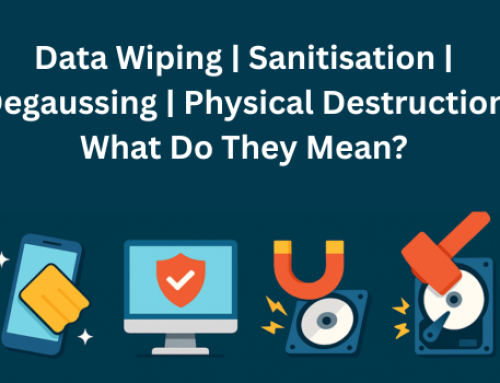
Overwriting
Overwriting is actually the process of replacing the existing stored data with random information. As a result, old data becomes practically impossible to recover. As an extra protection layer, many companies overwrite the data again and again.
Degaussing
The next technique on the list is degaussing. It erases the data by subjecting the storage media to a powerful magnetic field. Degaussing is common for magnetic storage devices like hard drives and magnetic tapes. It removes all data traces from storage devices leaving them blank and ready for disposal.
Physical destruction
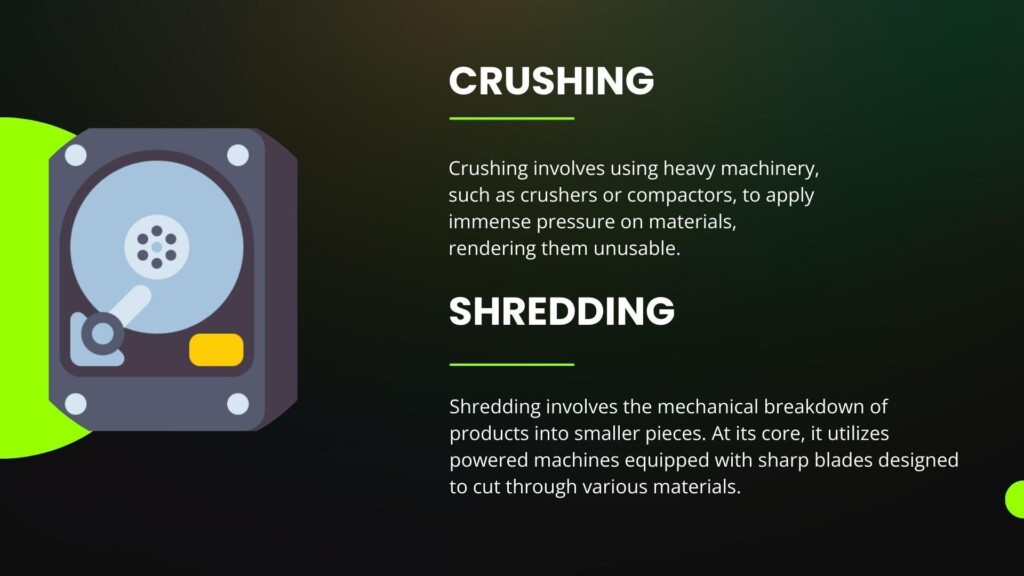
As the name implies, this method physically destroys the hard drives and other storage devices to make data lost forever. It gives best results for hard drives, SSDs, or other solid-state storage devices. Some vendors crush or some prefer to shred the devices.
Most of the times the company you hold responsible for disposal of computer will also offer you data destruction service and offer the certificate. If your vendor does not offer this, try to find another one who offers both services.
Practise 4: Find the right company
Now comes the step to find your right recycling partner. List down some companies you can hire for your IT equipment recycling and finalise the best one. You need a reputable company that specialises in refurbishing, reselling, and recycling IT equipment. Their track record should be clean.
Practise 5: Plan packaging & transportation
Also ask your vendor what their protocols are to pick up the equipment. Discuss with your team and make a proper plan for equipment transportation. Use secure packaging materials. Some vendors like Computer IT Disposals even offer free pick up for more than a certain number of devices.
Ask your vendors about their logistics partners. Get to know their details as well.
Practise 6: Choose between resell, refurbish & recycling
Yes, your teams may have marked some devices as non-usable, but recycling companies would not necessarily agree.
After inspection they may conclude some items can be resold and some can be refurbished. Have a detailed discussion with them. In many cases, these options will be valid, because we often just want to upgrade and buy new models, while old ones are still working fine.
Practise 7: Get a verified compliance report
Your business needs verifiable documentation of the organisation’s compliance efforts. Get a compliance report from them.
Here are the benefits you enjoy:
Verification of regulatory compliance: You are assured that you adhere to data protection laws, environmental regulations, and any other pertinent standards or best practices applicable in the industry. You may need it for audits, so you can stay safe from legal implications.
Enhanced transparency & accountability: You get a detailed account of the steps taken to comply with regulations. This helps you win the trust of stakeholders, clients, and regulatory bodies.
Risk Mitigation & legal protection: A certified record of compliance demonstrates the organisation’s due diligence in adhering to relevant laws. It would be helpful in case of legal disputes.
Conclusion
IT Asset Disposal helps you stay compliant, avoid breaches, and streamlines your IT inventory management. However, to enjoy these benefits at the fullest, ensure that you partner with the right IT asset disposal company.
Computer IT Disposals offers safe computer recycling services with maximum data protection. The company also provides the industry standard equipment collection service.