

Laptop Disposal in London: How to Dispose of Old Laptops Securely (2026 Business Guide)
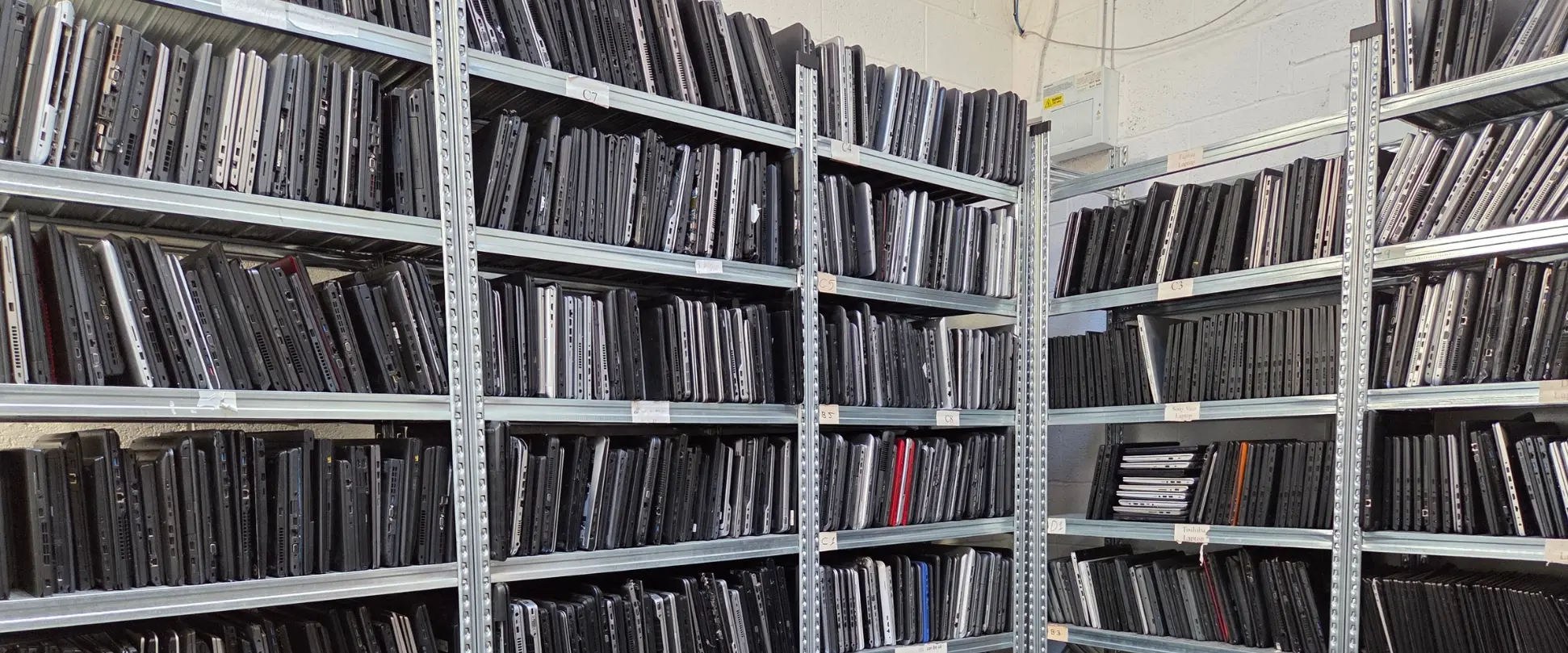
Quick answer: To dispose of old laptops in London as a business, use a licensed IT disposal company that collects the devices, destroys the data to a recognised standard such as NIST SP 800-88, and gives you a data destruction certificate and a WEEE certificate. Laptops cannot go in general waste, and deleting files or resetting Windows does not remove the data. Computer IT Disposals collects laptops from every London postcode, free for 20 or more qualifying items, with certificates issued within five working days.
Key Facts
- Free collection for 20 or more qualifying items across Greater London. Smaller batches are often collected free too.
- Data destroyed with Blancco ADISA-certified erasure to NIST SP 800-88 or HMG IS5, or drives shredded to BS EN 15713 (hard drives 6–8mm, SSDs 2mm).
- Own vetted staff: BS 7858:2019 security-screened drivers, GPS-tracked ULEZ-compliant vehicles, locked cages. No couriers or subcontractors.
- Full paperwork within 5 working days: data destruction certificate, WEEE certificate, asset audit report and ESG report.
- Zero to landfill: 100% of collected laptops are reused, remarketed or recycled.
Can You Throw Old Laptops Away?
No. A business cannot put laptops in general waste or a skip. Three rules apply to every London organisation.
WEEE and Duty of Care
Laptops are Waste Electrical and Electronic Equipment (WEEE). Under your waste duty of care, you must hand them only to a registered waste carrier and keep the waste paperwork for at least two years. Giving laptops to an unlicensed collector leaves the liability with your business.
UK GDPR
Every used laptop holds data: emails, files, saved passwords and browser sessions. Deleting files, formatting the drive or running a factory reset does not securely remove data. It can often be recovered with free software. If a disposed laptop leads to a breach, the ICO holds your organisation responsible, not the collector. Only certified data destruction with a documented audit trail protects you.
Battery Fire Risk
Laptops contain lithium-ion batteries. Damaged or crushed batteries can catch fire in bins, bin lorries and waste sites. Laptops must go through a WEEE recycling route that handles batteries safely.
How to Dispose of Old Laptops: Your Options Compared
The right route depends on the age, condition and data on the laptops.
| Option | Best for | Data risk | Paperwork |
| Resell or rebate through an ITAD company | Working laptops, usually under 2 years old, or up to 4 years in larger volumes | Low with certified erasure | Yes |
| Donate to a charity or school | Working laptops | You must wipe them first | Usually none |
| Manufacturer take-back scheme | Small numbers of one brand | Check the scheme | Varies |
| Council recycling centre | Household items from residents | High: no data erasure | None. Business waste is generally not accepted |
| Licensed IT disposal collection | Any business laptops, working or broken | Lowest: certified destruction | Full compliance pack |
What not to do: never sell data-bearing laptops on eBay or marketplaces without professional erasure, and never leave them in storage “for later”. Stored laptops are still a data risk.
How to Prepare Laptops Before Collection
A few checks before collection protect your data and keep any resale value.
- Back up any files you still need.
- How to Prepare Laptops Before Collection
Sign users out and release licences. Sign users out of Microsoft 365, Adobe and other licensed software, and remove laptops from your Microsoft or Apple accounts, so licences can be reassigned to new devices.
You don’t need to wipe or reset laptops yourself. A factory reset is not a reliable way to remove data from every type of drive. The NCSC’s guidance on secure sanitisation of storage media recommends verified erasure or physical destruction, which is what certified disposal provides. - Remove device management and locks. Unenrol laptops from Microsoft Intune, Jamf or Apple Business Manager, and turn off Find My / Activation Lock on MacBooks. A locked or still-enrolled laptop cannot be reused, so it is shredded instead of refurbished, and any rebate is lost.
- Leave hard drives and batteries in place. Drives are logged by serial number and matched to each laptop, which keeps your audit trail complete.
- List asset tags or serial numbers if you have them, so the audit report matches your asset register.
What Happens to Your Laptops: The Secure Disposal Process
- Book the collection. Call 0333 015 3501 or use the booking form with a list of your equipment. Standard collections are booked within a week. Same-day, evening and weekend collections are available across London.
- Secure collection. Our own BS 7858:2019 vetted drivers collect in GPS-tracked, ULEZ-compliant vehicles, with laptops in locked cages. Congestion Charge and ULEZ are our responsibility. Lift-only buildings and dock bookings are routine.
- Asset logging. Every laptop is logged in our ITAD portal with make, model, serial number, asset tag and hard drive serial, then graded for reuse or recycling.
- Certified data destruction. Drives are erased with Blancco ADISA-certified software to NIST SP 800-88 or HMG IS5, or physically shredded to BS EN 15713. Witnessed on-site shredding at your London premises is available where your policy requires it (charges may apply).
- Paperwork within five working days. You receive a data destruction certificate, WEEE certificate, asset audit report and ESG report under one collection reference.
- Zero to landfill. Working laptops are refurbished and remarketed. Everything else is broken down and recycled into the supply chain.
How Much Does Laptop Disposal Cost in London?
For most London businesses, nothing. Collection is free for 20 or more [qualifying items](/free-it-collection-uk), and smaller batches are often collected free. Recent working laptops can earn a rebate, so a laptop refresh can generate a return. There is no charge for certificates or reports. Where a charge does apply, such as witnessed on-site shredding, it is agreed and approved by you before booking.
Laptop Recycling Across Central and Greater London
We collect from every London postcode, including the main business districts:
| Area | Postcodes |
| City of London and the Square Mile | EC1, EC2, EC3, EC4 |
| Westminster, Mayfair and Victoria | SW1, W1 |
| Holborn, Bloomsbury and Chancery Lane | WC1, WC2 |
| Canary Wharf and Docklands | E14 |
| Shoreditch and Tech City | E1, EC1V, N1 |
| South Bank and London Bridge | SE1 |
| Camden and King’s Cross | NW1 |
| Kensington and Chelsea | SW3, SW7, W8 |
We also cover every Greater London borough, including Croydon, Ealing, Hackney, Islington, Barnet, Bromley, Hounslow and Redbridge, plus the M25 belt.
Laptop Disposal for Regulated London Sectors
- Law firms and chambers: serialised destruction certificates for client-confidential data. See IT disposal for the legal sector.
- Financial services in the City and Canary Wharf: laptop fleet refreshes with certificates matched to your asset register. See corporate IT recycling.
- Private healthcare and clinics: devices that held patient data processed to NIST SP 800-88 or HMG IS5. See IT recycling for healthcare.
- Universities and colleges: term-break clear-outs with full WEEE documentation. See education IT recycling.
Frequently Asked Questions
What is the safest way to get rid of old laptops?
For a business, the safest way is to use a registered IT disposal company that destroys the data to a recognised standard and gives you a certificate listing each laptop by serial number. That covers both your UK GDPR and waste duty of care obligations.
What should a business do with old laptops that still work?
Working laptops can be reused, resold or donated once their data has been destroyed. Recent models may earn a rebate through an IT disposal company. Older or broken laptops are recycled for parts and materials.
Should I factory reset a laptop before getting rid of it?
A reset is fine as an extra step, but it should not be your only protection. Data can remain on some drives after a reset. Certified erasure or shredding, with a certificate, is what proves the data is gone.
Do I need to remove the hard drive before recycling a laptop?
No. Leave the drive in place. Your IT disposal company logs each drive against its laptop by serial number, then erases or shreds it. Removing drives yourself breaks that audit trail.
What paperwork should I get when I dispose of business laptops?
You should get a waste transfer note, which you must keep for two years, plus a data destruction certificate and an asset report listing each device.
About Computer IT Disposals
Computer IT Disposals is a UK IT asset disposal company, established in 2014 and based in Nottingham, collecting laptops and IT equipment from businesses across London and the UK. We are ISO 9001:2015 and ISO 14001:2015 certified, Cyber Essentials Plus certified, ICO registered (ZA246798) and an Environment Agency Upper Tier Waste Carrier (CBDU457511). Company number 10675077. Full certificates are on our certifications page.
Related services: laptop recycling, computer recycling, data destruction, hard drive shredding and IT asset disposal.
Booking Form
Free collection available for qualifying items · certificates within 5 working days · 100% diverted from landfill.