

How To Store IT Waste and Why Proper Storage is Important
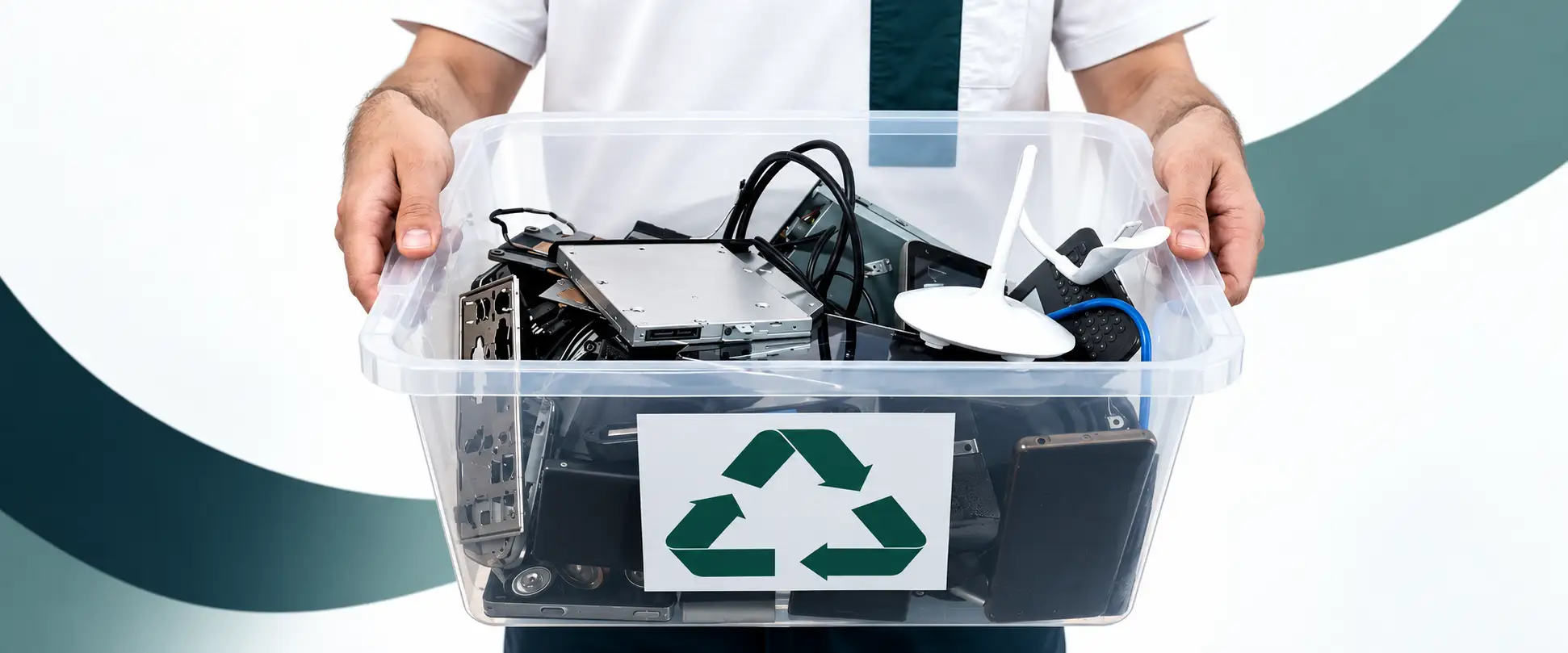
Proper e-waste disposal starts before collection day — how equipment is stored in the meantime genuinely affects both compliance and data security. WEEE guidance is specific about this: e-waste should be stored on an impermeable surface, under weatherproof covering, not just piled in a corner until someone gets round to it. Here’s what that actually looks like in practice.
At a Glance
- WEEE storage guidance requires an impermeable surface and weatherproof covering — a spare room or unprotected outdoor space doesn’t meet that bar.
- Poor storage doesn’t just look untidy — it risks physical damage that complicates recycling, and creates a real data security gap while devices sit waiting.
- Data-bearing devices need the same level of care in storage as they do at collection — a security gap doesn’t wait for collection day to matter.
- We collect stored IT waste across the UK, with certified data destruction and full documentation for every collection.
What Counts as IT Waste
Any electrical or electronic device that’s no longer in use falls under this category, whatever the reason — broken, outdated, or simply replaced.
Common Items
Smartphones, desktop computers, laptops, cables, keyboards, monitors and larger household electronics all count.
Sensitive Items
Anything with a storage device — a hard drive, SSD, or memory chip — needs to be treated differently, since it may still hold personal or business data. That data needs to be addressed before disposal, not assumed to be handled automatically during recycling.
Why Storage Actually Matters
A pile of devices isn’t a neutral holding pattern — it’s an active risk on two fronts.
Environmental Risk
Devices that get damaged in storage are harder to process safely, and if toxic substances leak out before a device ever reaches a recycler, that damage happens regardless of how responsible the eventual disposal is. Storing equipment properly protects the recycling process as much as the environment does at the point of collection.
Data Security Risk
Poor storage doesn’t just risk physical damage — it risks a device going missing, being accessed by the wrong person, or being damaged in a way that recovery tools can still exploit. The risk exists the moment a device is retired, not just at the point of disposal.
Best Practices for Storing IT Waste
Back Up First
Before anything goes into storage, back up any data still needed — cloud storage or an external drive both work. Storage periods can run longer than expected, and data loss from a device sitting untouched for months is entirely avoidable.
Choose the Right Location
Store equipment somewhere cool and dry, secure from unauthorised access. Basements and attics are common choices but tend to suffer exactly the temperature swings and dampness that damage electronics — moisture in particular causes corrosion and can make e-waste genuinely hazardous if it reaches internal components.
Use Proper Containers
Sturdy, leak-proof containers, sized to the volume you’re storing, protect equipment far better than loose stacking. Original packaging, where you still have it, is designed specifically to protect a device in exactly this kind of storage.
Keep Devices Clean and Labelled
Dust and dirt cause their own damage over time, so a quick clean before storage is worth doing. Clear labelling — including using ties to keep cables organised and identifiable — saves real time later, both for you and for whoever eventually processes the equipment.
Handle Hazardous Items Separately
Batteries, capacitors and certain lighting components need to be identified and stored in their own container, separate from general equipment, to reduce the risk of fire or damage. Don’t stack heavy items on top of anything fragile — older monitors and screens in particular can contain a mercury backlight tube that releases hazardous vapour if it cracks under weight.
Inspect Storage Regularly
Periodic checks of the storage area catch leaks, spills or container damage early, before they become a bigger problem. This matters more the longer equipment sits waiting for collection, not less.
What Happens After Storage
Certified Recyclers
Once you’re ready to dispose of stored equipment, due diligence still applies — confirm certifications directly rather than taking a provider’s word for it.
Data Destruction
Look for a provider who handles both storage-to-collection logistics and certified data destruction, rather than treating them as separate problems for you to coordinate.
Manufacturer Take-Back
Some manufacturers offer their own take-back programmes, worth checking before assuming a general recycler is the only route.
Proper Storage Protects Everything Downstream
Good storage practice avoids theft, data breaches, damaged equipment and hazardous leaks, all before a single device reaches a recycler. It’s a small amount of effort that protects everything that happens afterwards.
We collect stored IT waste across the UK, with full asset logging and certified data destruction for every collection.
Booking Form
Free collection available for qualifying items · certificates within 5 working days · 100% diverted from landfill.