

IT Recycling London: A Step-by-Step Guide for Office Decommissioning
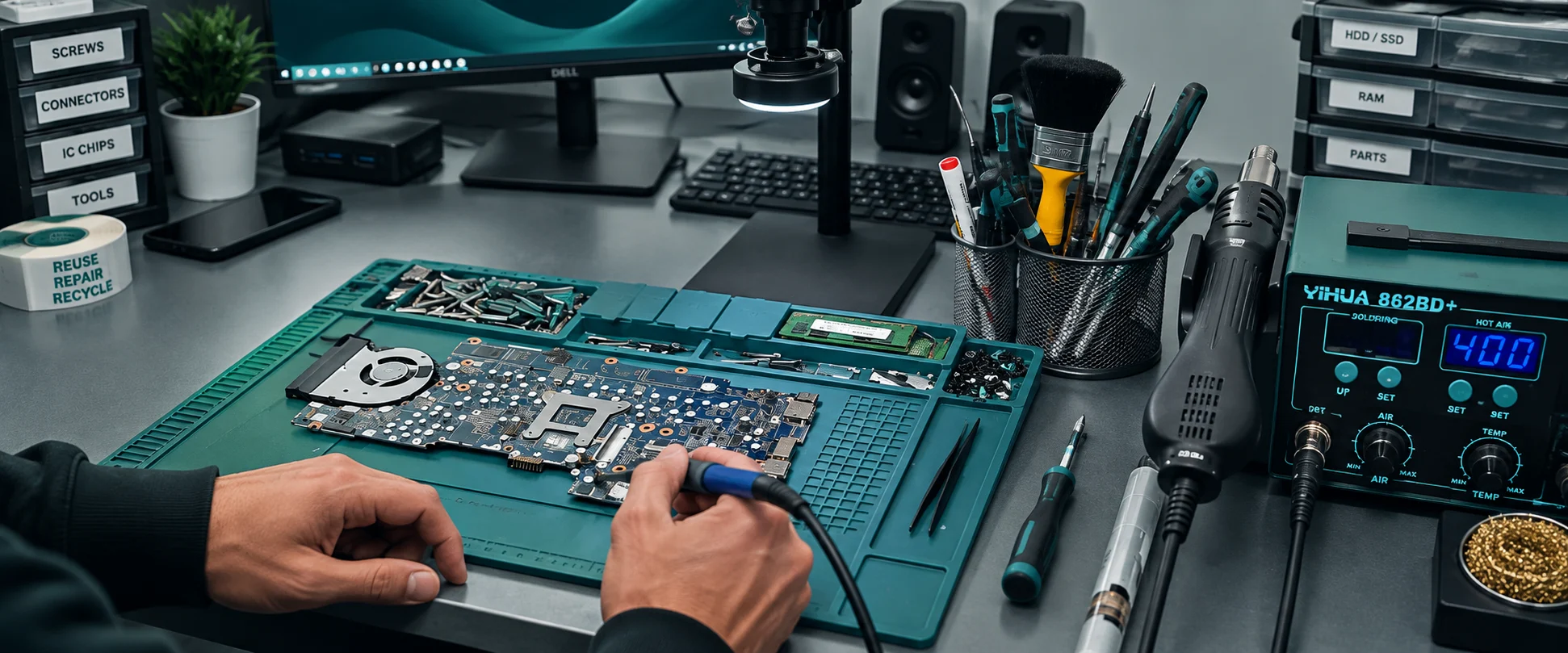
Office decommissioning covers furniture, signage and cabling — but the part most likely to go wrong is the IT. Migrating to the cloud, refreshing hardware, or closing an office all leave a stack of retired servers, desktops and laptops that need handling properly, and getting that stage wrong risks both a data breach and a WEEE compliance fine. This guide covers IT asset decommissioning specifically, step by step.
At a Glance
- IT decommissioning is the hardware-specific part of an office decommission — servers, desktops, laptops, printers and any other data-bearing equipment.
- The two real risks of getting it wrong are a data breach from equipment that wasn’t wiped, and WEEE non-compliance fines for equipment that wasn’t disposed of properly.
- Deleting files or formatting a drive does not remove the data — it’s still recoverable, which is why certified data destruction is a required step, not an optional one.
- We provide asset-level logging, certified data destruction, and a full compliance pack within 5 working days for every decommissioning project.
What Is IT Decommissioning?
Office decommissioning means removing a business’s assets from a leased or owned space and returning it to its original condition — furniture, signage, cabling, and all. IT decommissioning is the part of that process specific to servers, desktops, laptops, printers, and any other electronic equipment, and it’s mandatory whenever a business relocates, downsizes, or closes. This guide focuses specifically on the IT side, not furniture or fit-out.
The Risk of Getting It Wrong
UK businesses have to comply with UK GDPR and WEEE Regulations when they decommission, and the consequences of skipping either are the same two things every time: a data breach if equipment isn’t properly wiped, and a fine if it isn’t properly recycled. Both are avoidable with a documented process — neither is avoidable by accident.
When to Decommission
The obvious trigger is a lease ending or an office move, but equipment reaching the end of its useful life is a valid trigger on its own. Continuing to run outdated network devices creates both cybersecurity and performance risk, so replacing and properly decommissioning ageing hardware shouldn’t have to wait for an office move to prompt it.
The Office Decommissioning Process, Step by Step
This isn’t as simple as uninstall, transport, reinstall — or a single call to a generic decommissioning service. Here’s what a properly run process actually covers.
1. Keep a Hardware Log
A hardware log tracks every device as it’s decommissioned — ID or asset number, decommission date, and which ITAD partner handled the wipe. Keeping this from the start makes the rest of the process, and any compliance question that comes up later, far more straightforward.
2. Audit and Classify Every Device
Not every device carries the same risk, so the right handling differs device by device. For each one, it’s worth knowing: what kind of data it stored, what service or function it ran, and who the main users were. Anything holding sensitive data needs that data actively removed before it leaves your organisation, not assumed to be handled later.
3. Back Up What You Need
Take a full backup before decommissioning starts, both to preserve any configurations or proprietary information you’ll need later, and as evidence of exactly what a device held if that’s ever needed for compliance purposes.
4. Erase the Data Securely
Deleting files or formatting a drive doesn’t remove the data — it marks the space as available to be overwritten, and the data is often still recoverable with commonly available tools. Before any device leaves the building, it needs certified data destruction, not just a factory reset.
5. Get Compliance Documentation
A properly run provider will give you complete paper proof without you having to ask twice — a Data Destruction Certificate, a WEEE Certificate, and an asset audit report are the minimum you should expect for every decommissioning project. Ask to see current certifications up front, not after you’ve committed.
6. Recycle or Destroy What’s Left, Responsibly
Whatever can’t be repaired or reused should be recycled through a certified WEEE recycler, not just taken away. Recycling IT equipment properly needs industrial processing that isn’t available outside a licensed facility, so this is the step where “outsource it” genuinely means outsource it.
When Decommissioning Means Bulk Volumes
A full office decommission often means dozens or hundreds of devices leaving at once, not a handful. We cover what changes at that scale — asset tracking, GPS-tracked logistics, and documented chain of custody — in our guide to bulk IT equipment disposal in London.
Office Closed? Make Sure Your IT Isn’t Still Open
A decommissioned office with IT equipment that was never properly wiped or recycled isn’t actually finished — it’s just an open risk sitting somewhere else. IT decommissioning is a genuinely technical process, and even a strong in-house team will usually need to outsource the data destruction stage, since most businesses aren’t equipped to do that themselves.
We provide IT asset decommissioning for London businesses, covering everything from hardware logging through to certified data destruction and a full compliance pack, across offices of every size.
Booking Form
Free collection available for qualifying items · certificates within 5 working days · 100% diverted from landfill.