

Safe PC Disposal: How UK Businesses Dispose of Old Computers Securely
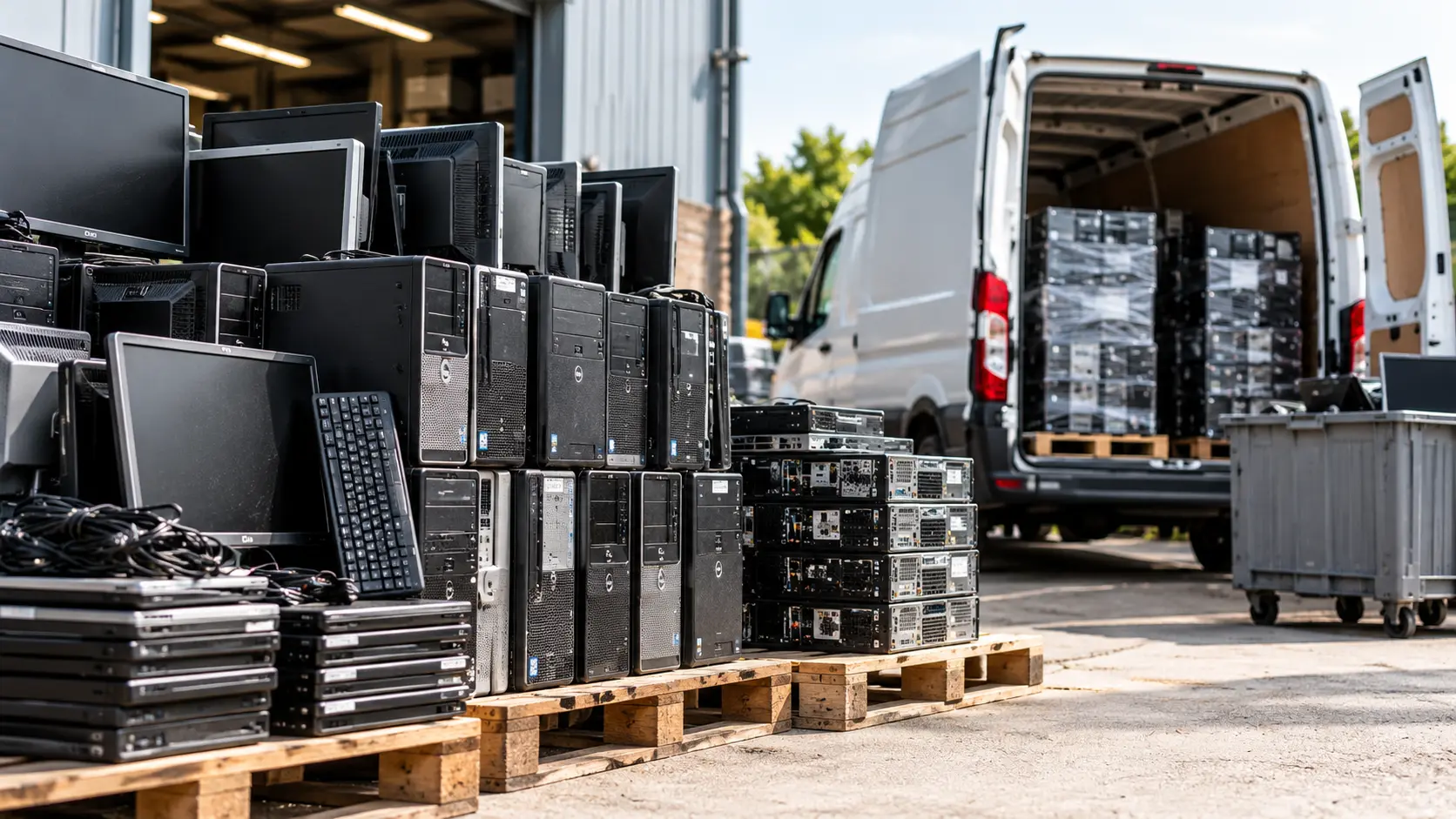
Quick answer: Safe PC disposal for a business means five steps: back up what you need, remove device management and software licences, leave the drives in the PCs, have the drives erased or shredded to a recognised standard by a registered collector, and keep the certificate and waste paperwork. A factory reset or removing the drive yourself is not enough on its own. Computer IT Disposals collects, erases and recycles PCs for UK organisations.
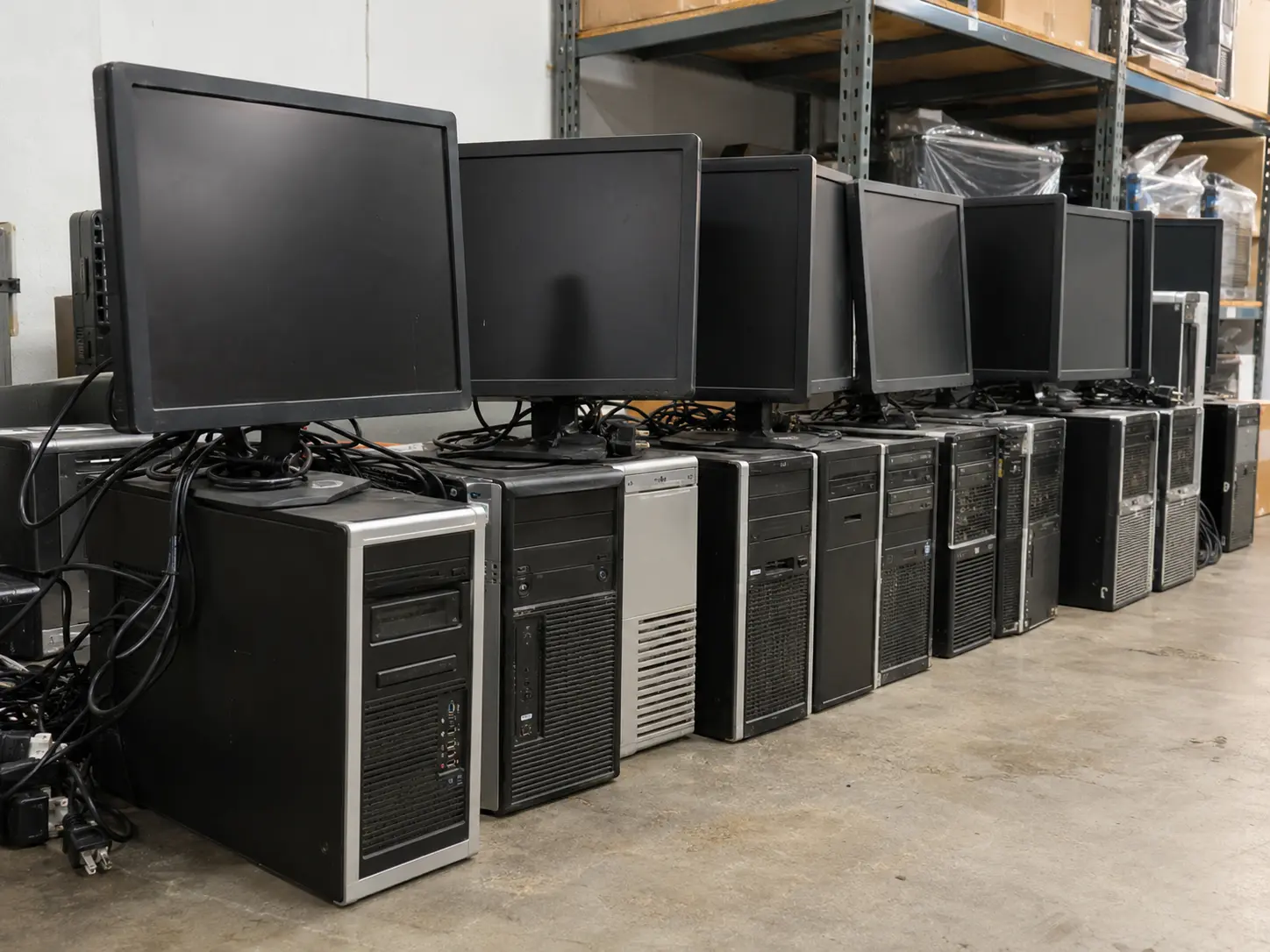
Old desktop PCs are easy to forget. They sit under desks or in a store room long after they have been replaced, and each one still holds emails, documents, saved passwords and network settings. Safe PC disposal deals with the data and the hardware together, so you can prove both were handled properly.
Why Safe PC Disposal Matters for Businesses
Two sets of rules apply when a business gets rid of a PC:
- Data protection: under UK GDPR your organisation stays responsible for personal data on every device it disposes of. The ICO’s guide to data security includes disposing of IT equipment.
- Waste law: PCs are WEEE and cannot go in general waste or a skip. GOV.UK says you must check your waste carrier is registered and complete a waste transfer note for each load.
If data is later recovered from a PC you threw out, or the PC is dumped illegally, the responsibility comes back to your business.
How to Dispose of Old PCs: Step by Step
1. Back Up What You Need
Move any files you still need to the new PC, network storage or your cloud service. Check with users first: local downloads and desktop folders are often missed.
2. Remove Device Management, Accounts and Licences
Unenrol PCs from Microsoft Intune or other device management tools, and sign users out of Microsoft 365 and other licensed software so licences can be reassigned. A PC still enrolled or locked to your organisation cannot be reused, so it is shredded instead, and any resale value is lost.
3. Leave the Drives in Place
It is tempting to pull the hard drive out “to be safe”, but this adds risk rather than removing it. A loose drive is easy to lose, and once it is separated from its PC, the serial-number link between the two is broken. Leave drives in place: your collector logs each drive against its PC and erases or destroys it. If you want to understand the options, see how to destroy a hard drive.
4. Use Certified Erasure or Shredding
A standard factory reset or deleting files does not reliably remove data from every drive. The NCSC’s guidance on secure sanitisation of storage media sets out how media should be erased and verified, or physically destroyed. For a business, the safe options are:
- Certified erasure to HMG Infosec Standard No. 5 or NIST SP 800-88, which lets the PC be reused or resold.
- Physical shredding to BS EN 15713, for failed drives, highly sensitive data, or where your policy requires destruction: hard drives to 6–8mm, SSDs to 2mm.
Ask for a certificate that lists every drive by serial number. See our data destruction services and hard drive shredding.
5. Book a Registered Collector and Keep the Paperwork
Search the collector on the Environment Agency’s public register of waste carriers, brokers and dealers before you book. After collection, keep the waste transfer note for two years, along with the data destruction certificate and asset report. For a checklist, see how to choose an IT disposal company.
Old Computer Disposal Options Compared
| Option | Best for | Data risk | Paperwork |
| Reuse internally | Working PCs that still meet your needs | Low, if wiped before reissue | Internal records |
| Resell or rebate through a collector | Recent working PCs | Low with certified erasure | Certificate and asset report |
| Donate | Working PCs | You must ensure certified erasure first | Usually none |
| Recycle through a registered collector | Broken or old PCs, mixed batches | Lowest: certified destruction | Full compliance pack |
| General waste or skip | Never | High | None. Not a legal route |
Laptops follow the same rules. See our guide to laptop disposal.
Retiring PCs After Windows 10 End of Support
Microsoft ended support for Windows 10 on 14 October 2025, so many organisations are replacing PCs that cannot move to Windows 11. The steps above apply to every PC you retire. Plan the disposal alongside the rollout, so old PCs are collected in batches rather than stored indefinitely.
What Happens to Your PCs After Collection
With Computer IT Disposals:
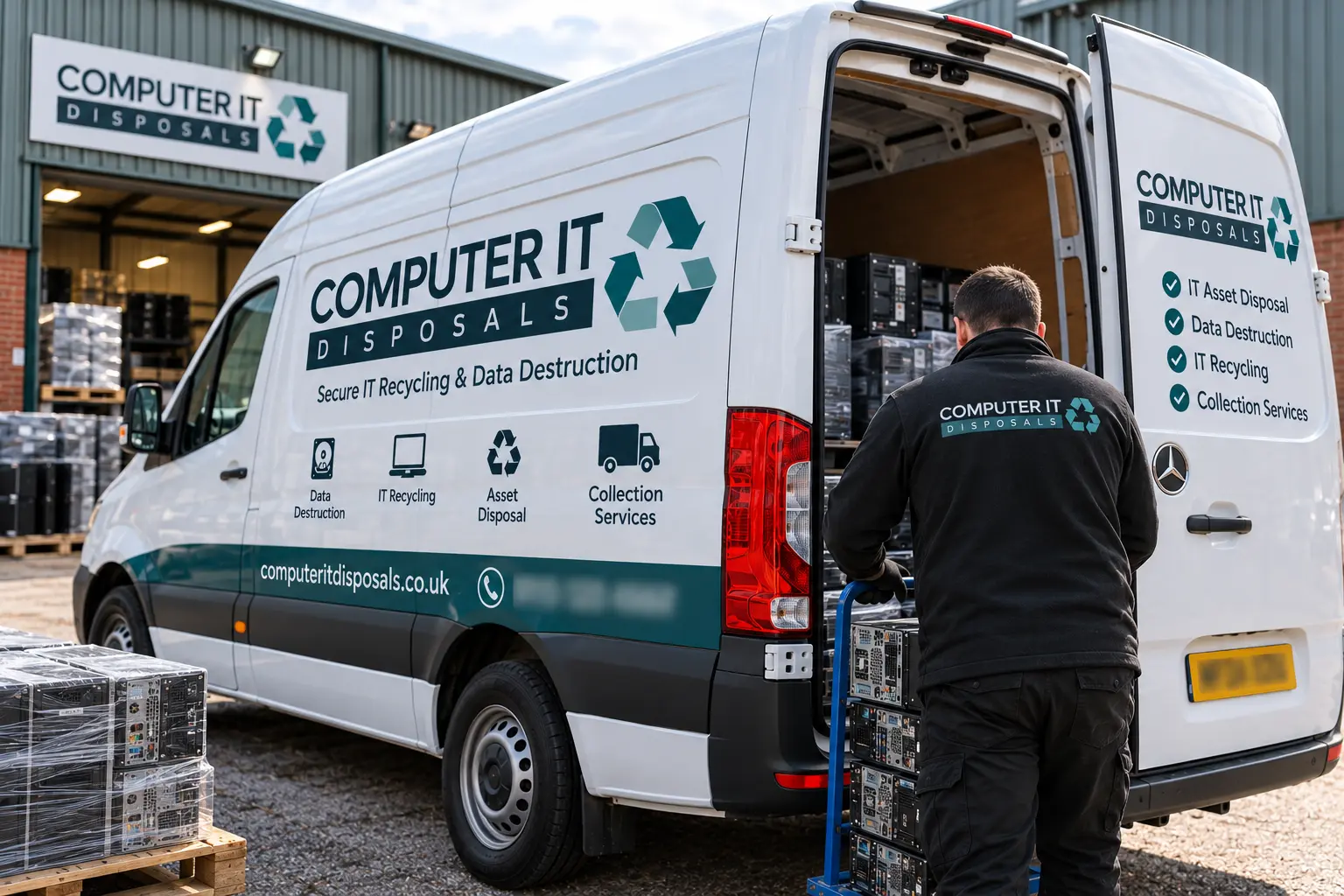
- our own BS 7858:2019 vetted staff collect your PCs in GPS-tracked vehicles; we do not use couriers or subcontractors
- every PC and drive is logged by serial number and asset tag
- drives are erased with Blancco software or shredded, to your policy
- working PCs are refurbished and remarketed; everything else is broken down for materials recovery, with 100% diverted from landfill
- you receive a data destruction certificate, WEEE certificate, asset report and ESG report within five working days
Collection is free for qualifying volumes, typically 20 or more qualifying items. Monitors can go in the same collection: see monitor recycling and our process.
Frequently Asked Questions
Is a factory reset enough before disposing of a PC?
Not for a business on its own. A reset does not reliably remove data from every drive, and it gives you no evidence. Use certified erasure or shredding and keep the certificate.
Should we remove hard drives before PCs are collected?
No. Leave them in place so each drive stays matched to its PC by serial number. Your collector erases or shreds them and lists them on the certificate.
How do you dispose of a computer that no longer works?
The same way as a working one: book a registered collector who destroys the drive, usually by shredding, and recycles the rest. A broken PC still holds data.
Can we reuse old PCs internally?
Yes, if they still meet your needs and security requirements. Wipe them with certified erasure before reissuing, and record the new user.
What do we do with PCs that cannot run Windows 11?
Retire them through the steps above. Recent models may still have resale value; older ones are recycled. Either way, the drive is erased or shredded first.
Talk to Us About Your Old PCs
Computer IT Disposals is ISO 9001:2015 and ISO 14001:2015 certified, Cyber Essentials Plus certified, ICO registered (ZA246798) and an Upper Tier Waste Carrier, Broker and Dealer (CBDU457511), collecting across England, Scotland and Wales. See our computer recycling service and case studies.
Get in touch: call 0333 015 3501 or email info@computeritdisposals.co.uk (Mon–Fri, 9:00–5:00), or contact us with a list of your PCs.
Booking Form
Free collection available for qualifying items · certificates within 5 working days · 100% diverted from landfill.