

How to Set Up an Office Recycling Programme for IT Equipment (2026 UK Guide)
Quick answer: An office recycling programme for IT equipment needs five things: one person in charge, a list of the equipment you have, a short written policy, a safe place to store retired devices, and a registered collector who destroys the data and gives you certificates. Collect in batches, keep the waste paperwork for two years and review the programme once a year. Computer IT Disposals collects, erases and recycles office IT for UK organisations.
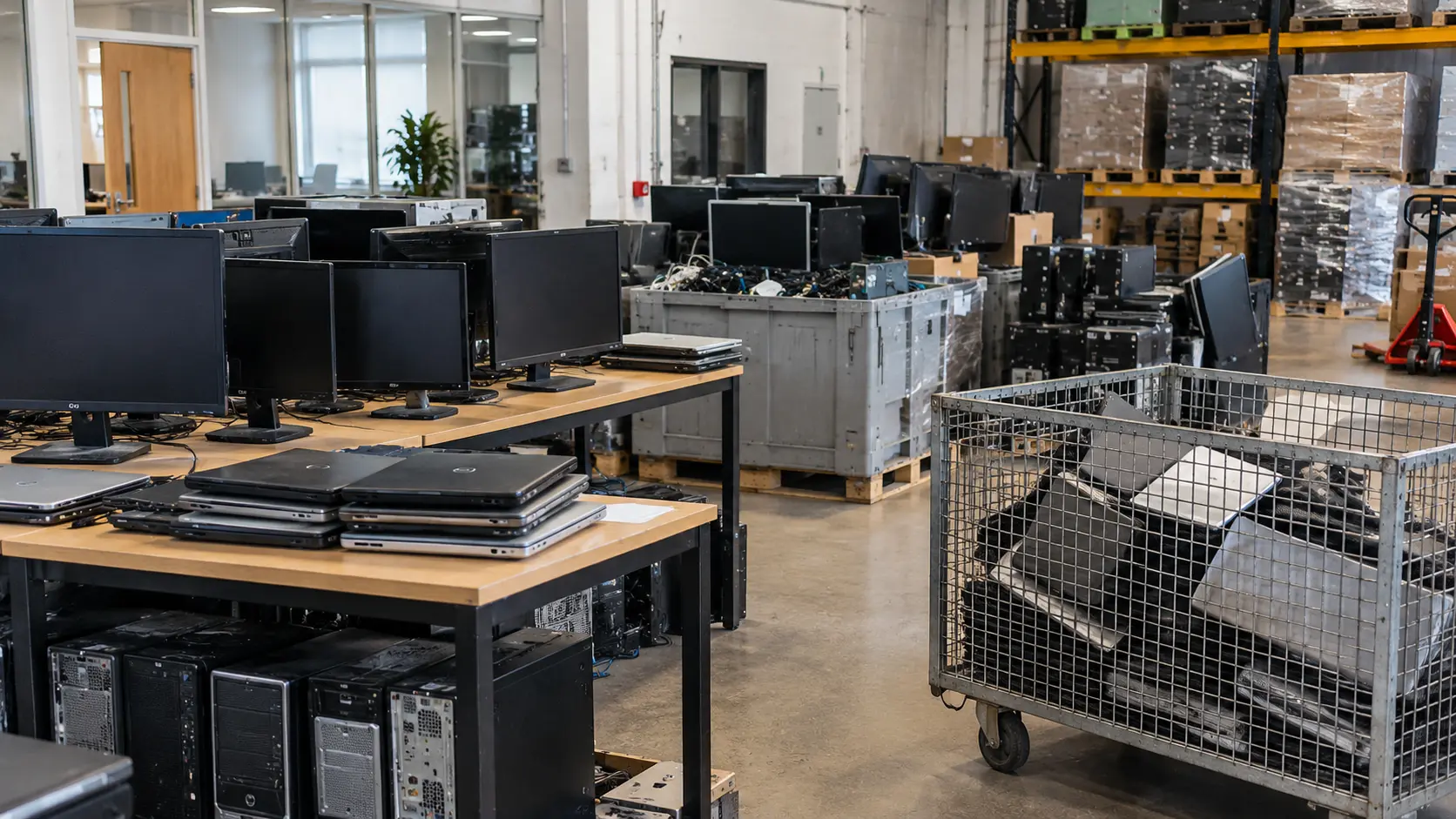
Most offices recycle paper and cans without thinking about it, but old laptops, monitors and printers often end up in a cupboard. That is where problems start: stored devices still hold data, damaged batteries can be a fire risk, and nobody can say what happened to equipment that disappeared. A simple office recycling programme for IT fixes all three.
Why Your Office Needs an IT Recycling Programme
Old IT equipment is WEEE (waste electrical and electronic equipment), and the law treats it as business waste. Under GOV.UK’s rules for business waste, you must:
- keep waste to a minimum by trying to prevent, reuse, recycle or recover it, in that order
- sort and store waste safely and securely
- complete a waste transfer note for each load that leaves your premises
- check your waste carrier is registered
Data adds a second duty. The ICO’s guide to data security lists disposing of IT equipment as part of keeping personal data secure. A programme gives you one process that covers both.
Step 1: Appoint One Person to Own It
Name one person, usually from IT, facilities or compliance, who decides when equipment is retired, keeps the records and books collections. Involve the others at the start: IT knows what holds data, facilities knows where things are stored, and compliance knows what paperwork auditors will ask for. In larger organisations, see how we work with corporate IT teams.
Step 2: Audit the IT Equipment You Have
List what you already have waiting for disposal, and what is due to be replaced in the next year. For each item, note:
- type (laptop, desktop, monitor, printer, phone, server, network kit)
- location and asset tag or serial number
- whether it works and whether it holds data
This list becomes your record of what leaves the building. It also shows you what could be reused rather than recycled.
Step 3: Write a Simple E-Waste Policy
One page is enough. It should answer:
- What counts as IT waste: anything with a plug, battery or data storage.
- Who can approve disposal: the programme owner, not individual staff.
- What staff must not do: put devices in general waste, take them home, or sell or give them away.
- Leavers’ devices: returned, logged and stored with the rest, not reissued without a wipe.
- How data is handled: certified erasure or shredding through your collector, with a certificate.
Step 4: Store Equipment Safely Until Collection
Retired equipment usually waits weeks or months before collection. Store it:
- in a locked, dry room or cage, not a corridor or open cupboard
- with data-bearing devices kept together, so nothing goes missing
- with damaged or swollen batteries kept apart from other equipment, as they can be a fire risk; see battery recycling
- against a running list, updated as items arrive
Step 5: Reuse First, Then Recycle
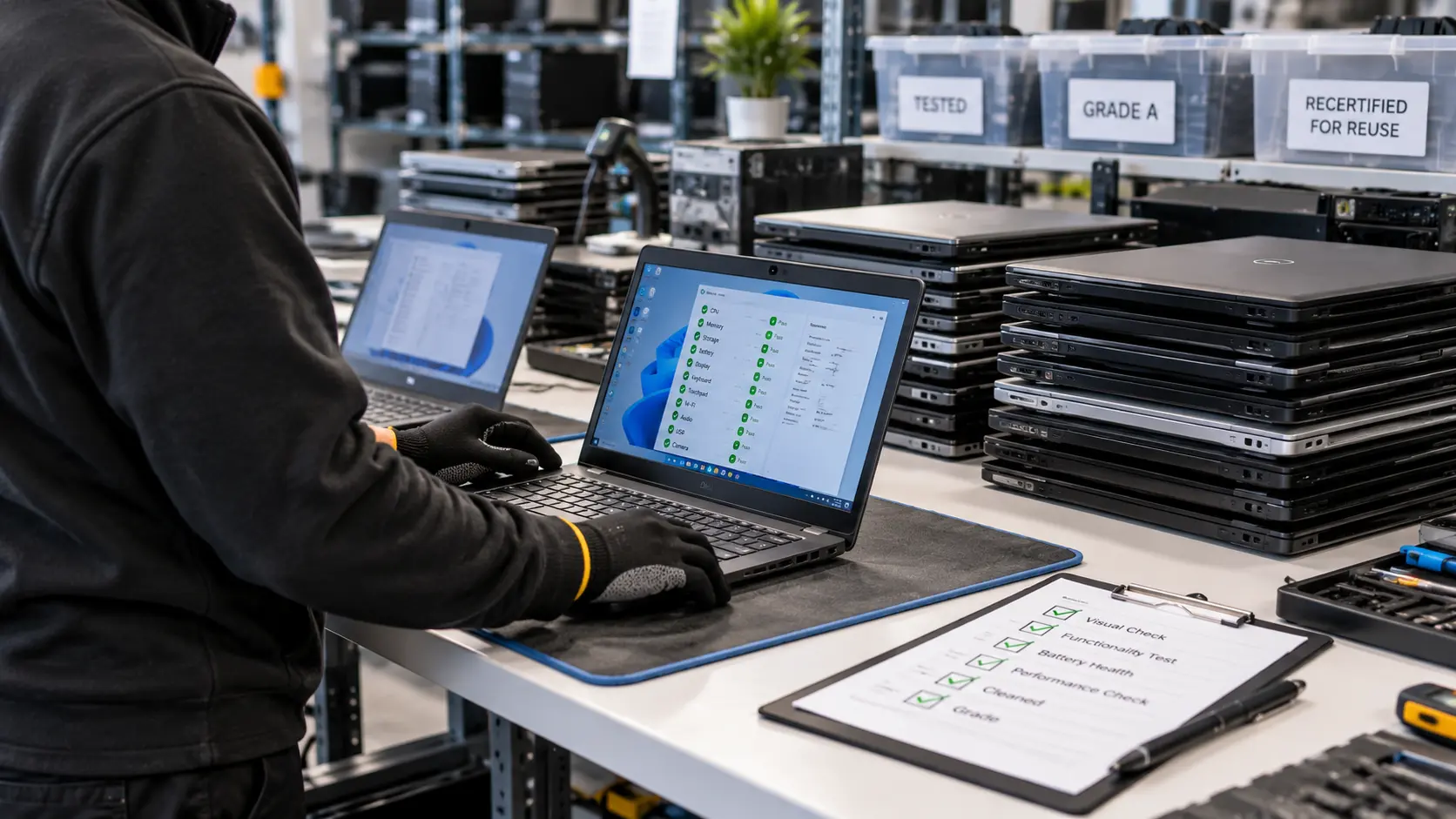
Reuse comes before recycling in the waste hierarchy, and it saves money.
- Repair or redeploy working equipment to other teams or sites.
- Resell recent working equipment through your collector. Rebates can offset the cost of the programme.
- Buy with end of life in mind: reliable models with long support periods last longer and resell better.
- Recycle what cannot be reused. Broken computers, monitors and printers are broken down and their materials recovered.
Step 6: Choose a Registered Collector
Council recycling centres are generally for residents’ household waste, so offices need a registered waste carrier. Before you book:
- search the collector on the Environment Agency’s public register of waste carriers, brokers and dealers
- check how they destroy data and ask for a sample certificate
- ask who collects the equipment and how it is tracked
Our guide on how to choose an IT disposal company covers this in more detail.
Batch your collections. Booking when your stockpile reaches a qualifying volume keeps costs down: CITD collects free for qualifying volumes, typically 20 or more qualifying items.
Step 7: Keep the Paperwork
After each collection, file these together:
- the waste transfer note, which you and the collector must keep for two years
- a data destruction certificate listing each device by serial number
- an asset report that matches your Step 2 list
- an ESG report, if your organisation reports on sustainability
CITD issues these together within five working days, under one collection reference. See our process.
Step 8: Set Goals and Review Once a Year
Keep the measures simple and easy to check:
- number of items reused versus recycled
- collections per year, and items waiting in storage
- certificates on file for every collection
Review the policy and storage each year, and before any office move or equipment refresh.
What About Paper, Plastic and Food Waste?
Your wider office recycling also matters: GOV.UK says businesses must recycle waste that is like household waste, such as glass, plastic, metal, paper, card and food. Your general waste contractor handles those. Computer IT Disposals handles IT equipment and electricals only.
Frequently Asked Questions
How often should an office arrange IT recycling collections?
It depends on how quickly equipment builds up. Many offices book a collection when stored items reach a qualifying volume, plus extra collections around refreshes and office moves. The key is not to let equipment sit in storage for long periods.
Where should we store old IT equipment before it is collected?
In a locked, dry space that only the programme owner and authorised staff can access. Keep damaged batteries apart from other equipment and keep a list of everything stored.
Can staff take old work laptops or phones home?
Only if your policy allows it and the device has been through certified data erasure first. Otherwise, company data leaves the business with the device and you lose your audit trail. See our laptop disposal guide.
What should an office e-waste policy include?
What counts as IT waste, who approves disposal, what staff must not do, how leavers’ devices are handled, where equipment is stored and how data is destroyed. One page is usually enough.
Can printers and toner go in the same collection?
Printers can be collected with your other IT equipment. Many multifunction printers store scanned documents on an internal drive, so treat them as data-bearing. See printer recycling.
Get Help Setting Up Your Programme
Computer IT Disposals collects, erases and recycles IT equipment for organisations across England, Scotland and Wales. We are ISO 9001:2015 and ISO 14001:2015 certified, Cyber Essentials Plus certified, ICO registered (ZA246798) and an Upper Tier Waste Carrier, Broker and Dealer (CBDU457511). See real projects in our case studies.
Talk to us: call 0333 015 3501 or email info@computeritdisposals.co.uk (Mon–Fri, 9:00–5:00), or contact us with your equipment list.
Booking Form
Free collection available for qualifying items · certificates within 5 working days · 100% diverted from landfill.